RAPTOR AIR | RAPTOR Z ARM

RAPTOR AIR MEDIA SHOP NOW

A. Important Notice

1. What’s new in the Raptor Air compared to the Raptor Z Arm?

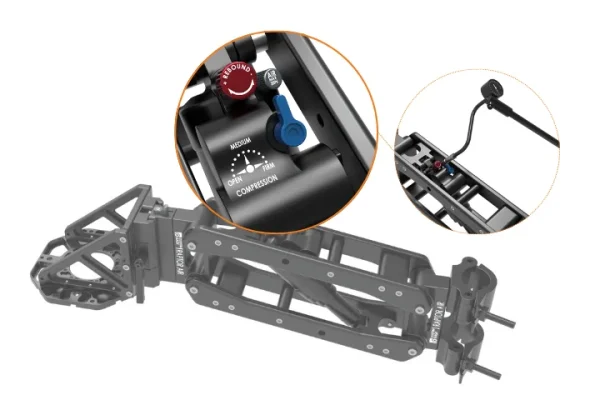
The most significant upgrade in the Raptor Air is the transition from hydraulic dampers and spring adjustments to an advanced air suspension fork.

Instead of swapping springs to match different payloads, filmmakers can now fine-tune the air pressure to achieve optimal performance across a wide range of camera setups.

This upgrade allows the Raptor Air arm to support:

  • Up to 35kg payload when combined with vibration solutions such as Raptor ISO, Raptor XY, or C35 Vibration Isolator
  • Up to 64kg payload when configured as a Twin Z setup

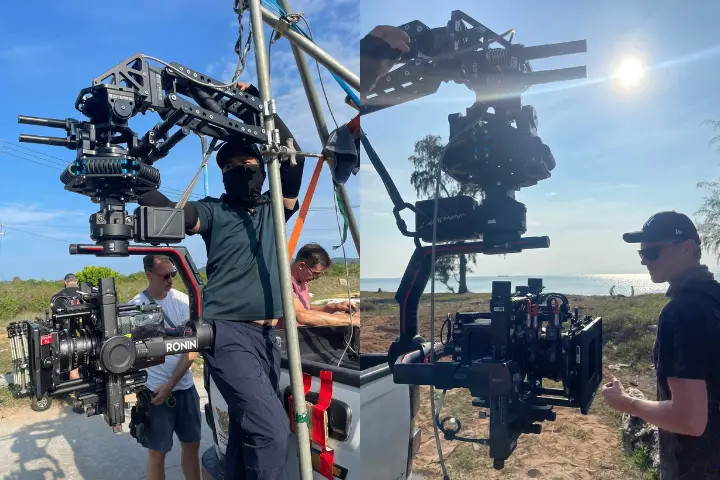
Some users have also successfully used Raptor Air with the DJI Ronin 4D, allowing lighter setups that were not previously supported by the Raptor Z arm.
2. Can I use Raptor Z Arm accessories with the Raptor Air?

Yes. Most Raptor Z arm accessories are compatible with the Raptor Air, except Heavy Springs, which are no longer required due to the air suspension system.

You can read more compatibility details on our blog HERE.

3. Can I trade in my Raptor Z Arm for the Raptor Air?

Yes. We support Raptor Z arm trade-in upgrades to the Raptor Air. Please contact your local reseller or email us directly at: contact@customeasy.org

B. Delivery Time & Warranty

1. When will I receive the Raptor Air if I order now?

All Raptor Air systems are in stock and typically ship within 1 working day after payment is received.

2. Where does the product ship from?

The Raptor Air is manufactured and shipped from Ho Chi Minh City, Vietnam.

3. Warranty

Please refer to our warranty policy here: https://customeasy.org/term-condition-of-sales

C. Raptor Air Manual & Technical FAQ

1 – Manual

  • Raptor Air Manual Please download here HERE.
  • Raptor Z – ISO | Raptor Z – XY Manual: Combine Raptor Air with Raptor ISO or Raptor XY to configure the stabilization system independently after completing the Raptor Air setup.
  • Raptor Twin Z Manual: After rigging the arm and payload, please configure each arm according to the Raptor Air Manual.

2 – Raptor Air Specifications

  • Payload: 10 – 35kg
  • Lift Range: 45cm
  • Compression Adjustment: 3 Levels (Open – Medium – Firm)
  • Rebound Adjustment: 8 Click Positions
  • Weight: 5.5kg
  • Dimensions: 45 × 55 × 20 cm

3 – What’s included in the Raptor Air package?

The Raptor Air comes with:

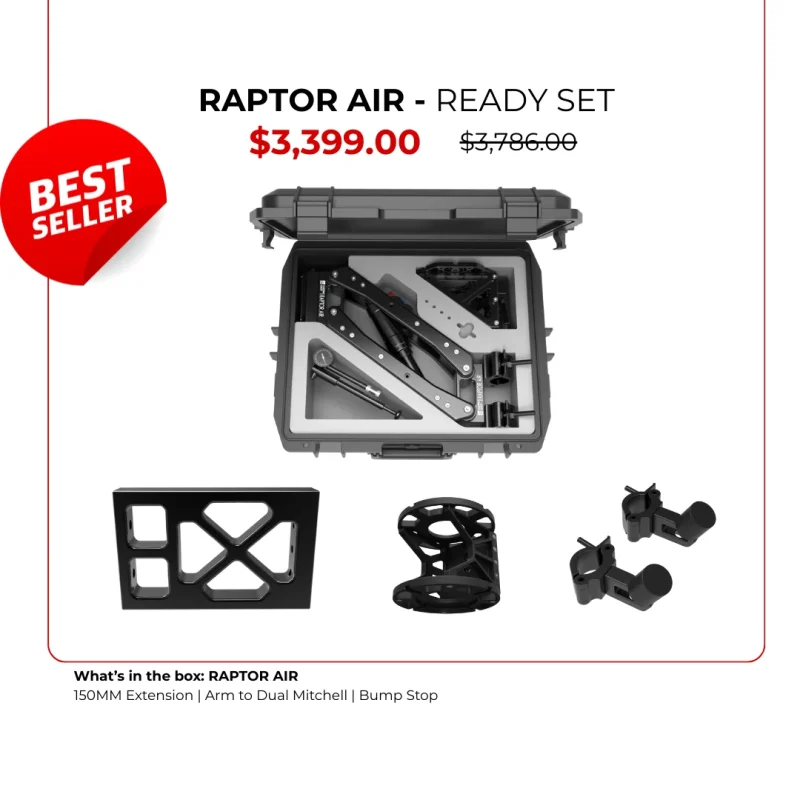
  • 1 × Raptor Air arm with built-in air fork suspension (48–51mm back mount)
  • 1 × Arm to Female Mitchell adapter
  • 1 × Quick Release system (pre-installed)
  • 1 × Fork Bump Stop
  • 1 × Travel Case

4. Which tubes are recommended to mount the Raptor Air?

The Raptor Air arm is designed for 48–51mm speed rails, which are widely used in car rigging systems.

5. How is the Raptor Air arm different from other arms on the market?

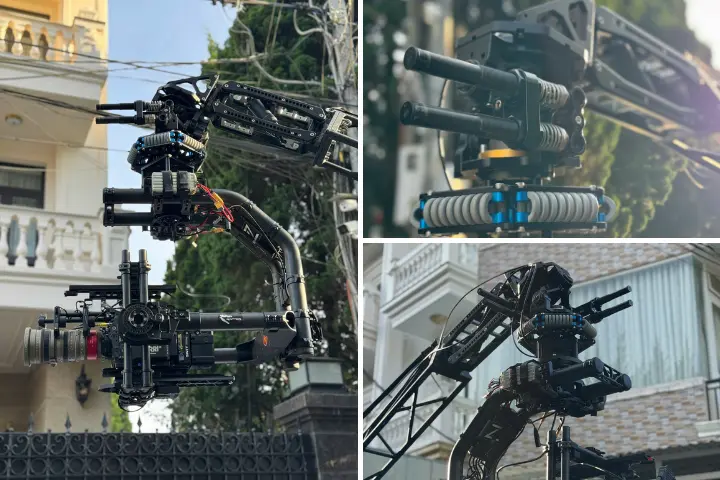
Flexible system integration: The Raptor Air can operate independently or be combined with vibration control solutions such as:

  • ISO Dampener
  • XY Vibration
  • Vibration Isolators

All connections can be made quickly via Mitchell base mounting.

Fast setup: Thanks to the Quick Release design, filmmakers can go from unboxing to a fully mounted car rig within minutes.

Wide payload range: 

  • The air suspension fork allows the Raptor Air to support payloads from light setups up to 35kg.
  • For heavier setups, two arms can be combined into a Twin Z configuration, supporting up to 64kg payload.

Extensive accessory ecosystem: The Raptor Air system supports many accessories for integration with third-party cinema rigs

6 – Can the Raptor Air be used for overslung and underslung setups?

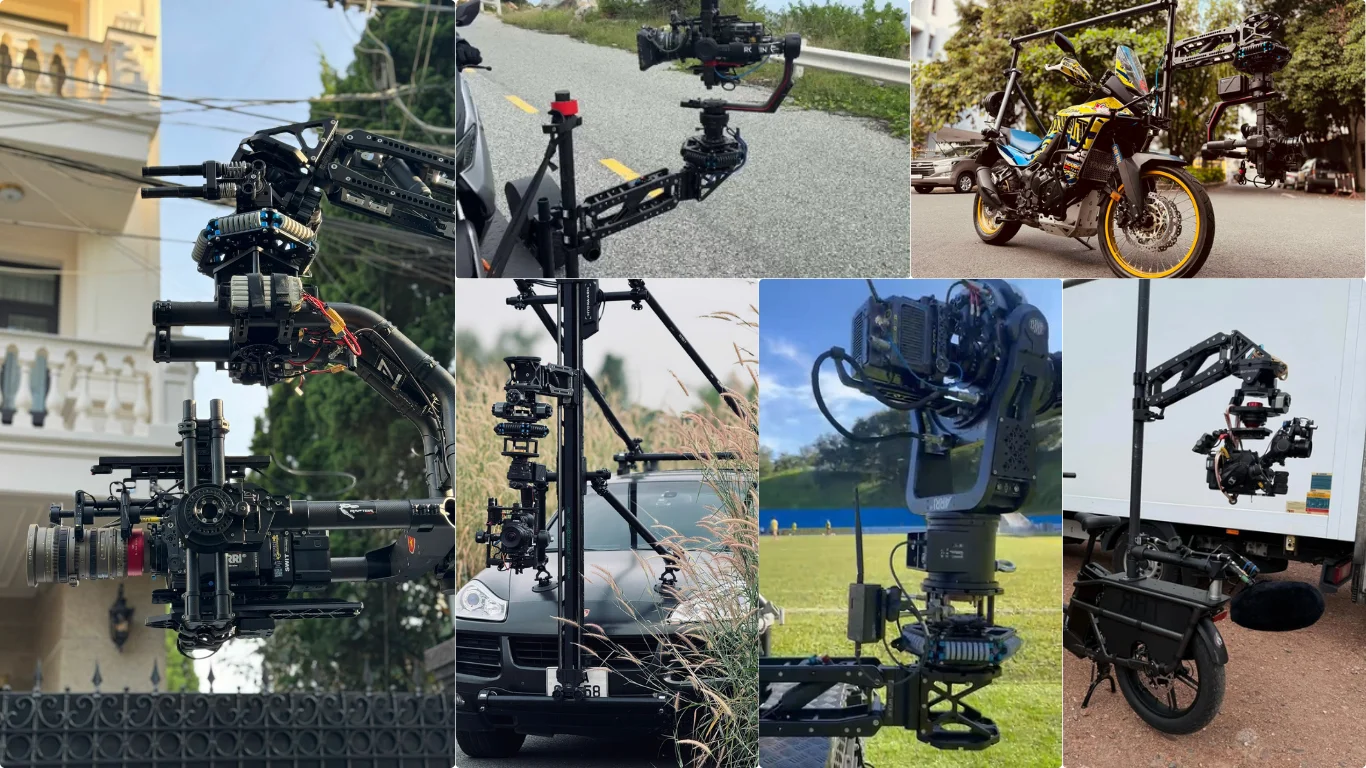
Yes. The Raptor Air arm supports both overslung and underslung configurations, depending on the front mount you use.

7 – Can I combine 1x Raptor Air and 1x Raptor Z Arm in a Twin Z setup?

No. The lift range and configuration of the Raptor Air and Raptor Z arm are different, so they are not compatible in the same Twin Z setup.

D. Raptor Air Combo Packages

1. Which Raptor Air packages are available?

Several Raptor Air packages are available on our website:

Raptor Air | Standard – Ready Package

Ideal for customers who already own vibration solutions such as ISO Dampener or XY.

shop now

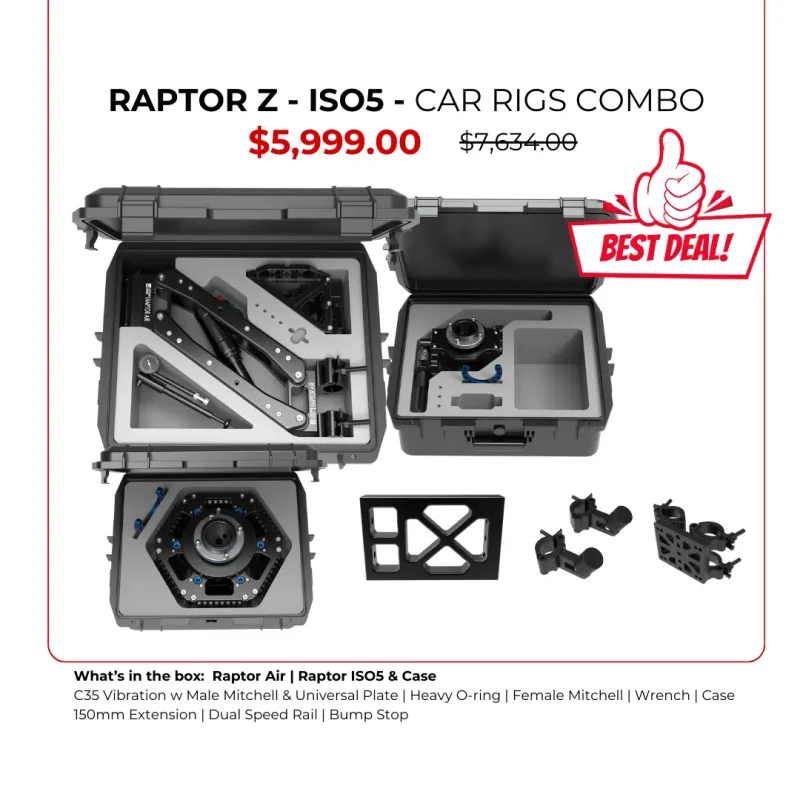
Raptor Z – ISO Package

Combine with Raptor Air and Raptor ISO

shop now

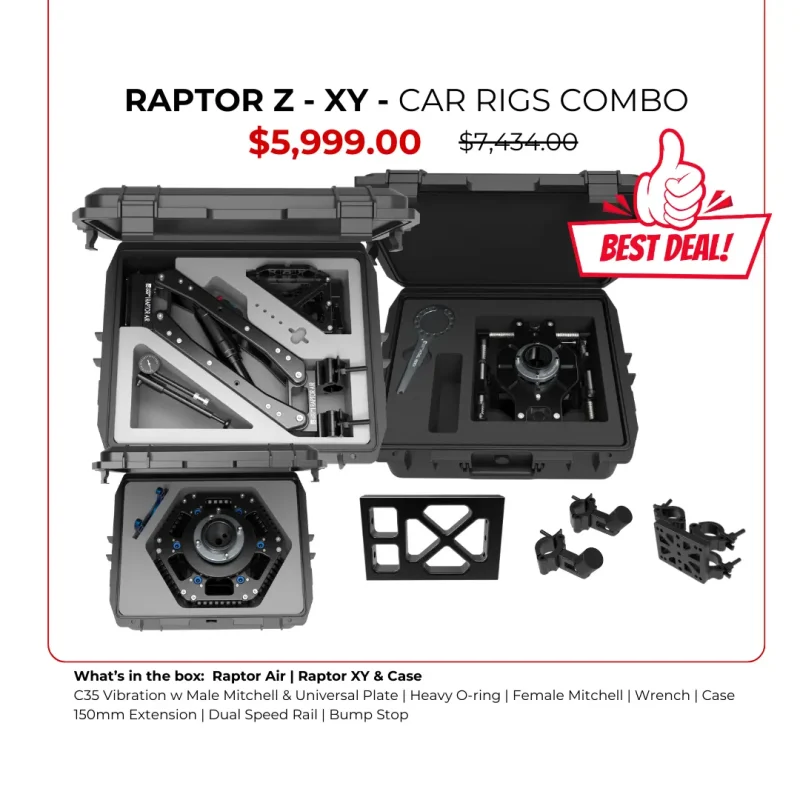
Raptor Z – XY Package

Combine with Raptor Air and Raptor XY

shop now

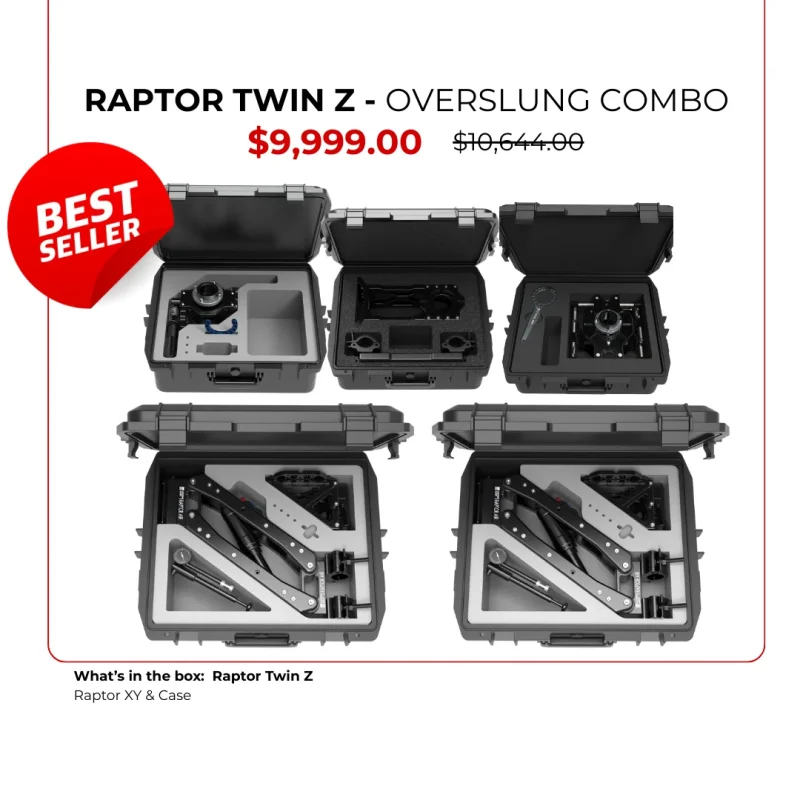
Raptor Twin Z

Combine with dual Raptor Air for payload up to 64kgs.

shop now

2. Which combo should I choose?

This depends on your filming application. For vehicle tracking shots, the Raptor Z – ISO is often recommended.

You may also evaluate the individual features of:

You can read more in our blog [Which Raptor Z arm combo suitable for you?]

3 – Which setup supports both overslung and underslung operation?

Important note: Raptor ISO does not support overslung configuration.

Underslung setups:

  • Raptor Air + ISO Dampener + Vibration Isolator
  • Raptor Air + XY Vibration + Vibration Isolator
  • Raptor Air + Vibration Isolator

Overslung setups:

  • Raptor Air + XY Vibration + Vibration Isolator
  • Raptor Air + Vibration solution

4 – Can Twin Z support overslung and underslung setups?

Yes. The Raptor Twin Z system includes Dual Mitchell mounts, allowing operators to switch between overslung and underslung configurations.

However, always consider the total payload weight, including all accessories. For example: If adding Raptor ISO in an underslung configuration, the recommended payload limit is 35kg.

E. Raptor Air Accessories

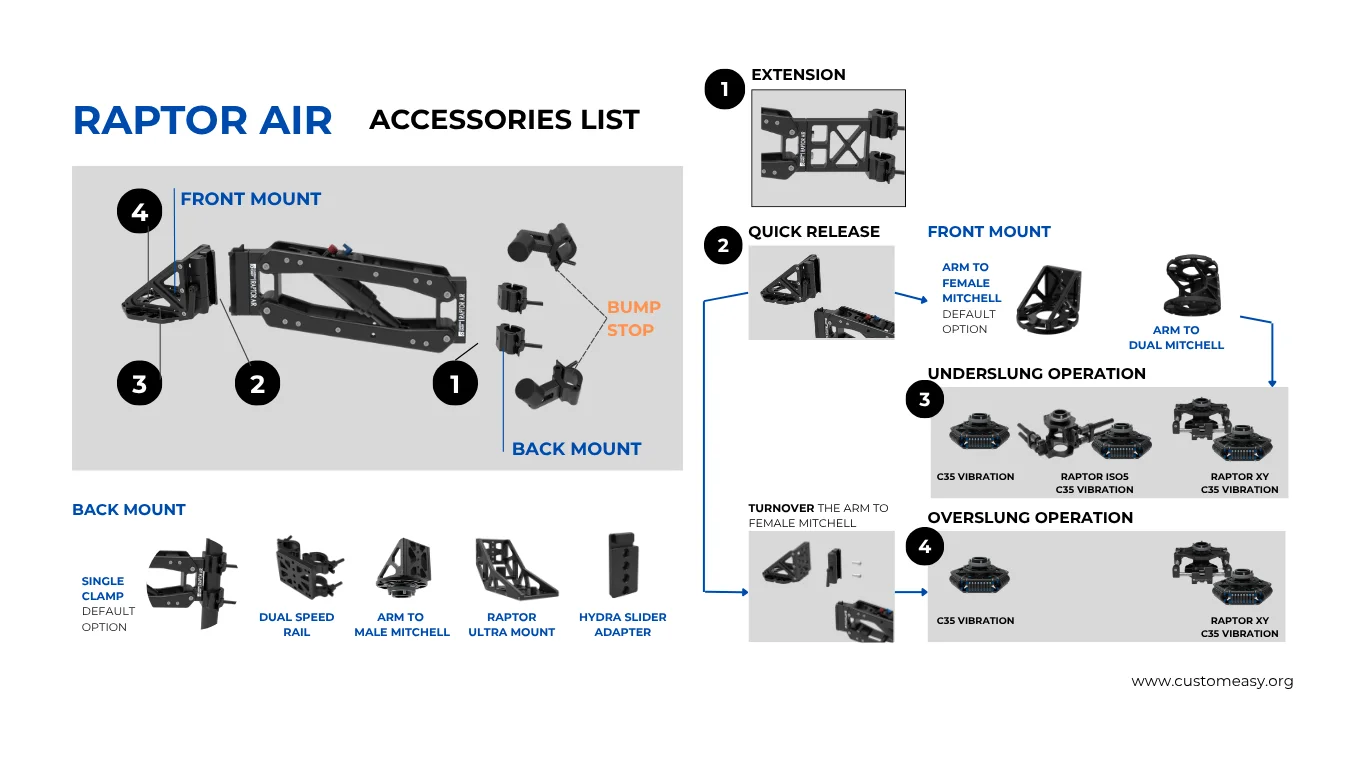
The Raptor Air ecosystem supports a wide range of accessories.

1. Back Mount Options

  • 48–51mm Speed Rail (Default)
    Most commonly used for car rigs, mounted on the front, rear, or side of vehicles.
    This traditional aluminum tube mounting method is extremely stable and reliable, especially during high-speed chase shots.
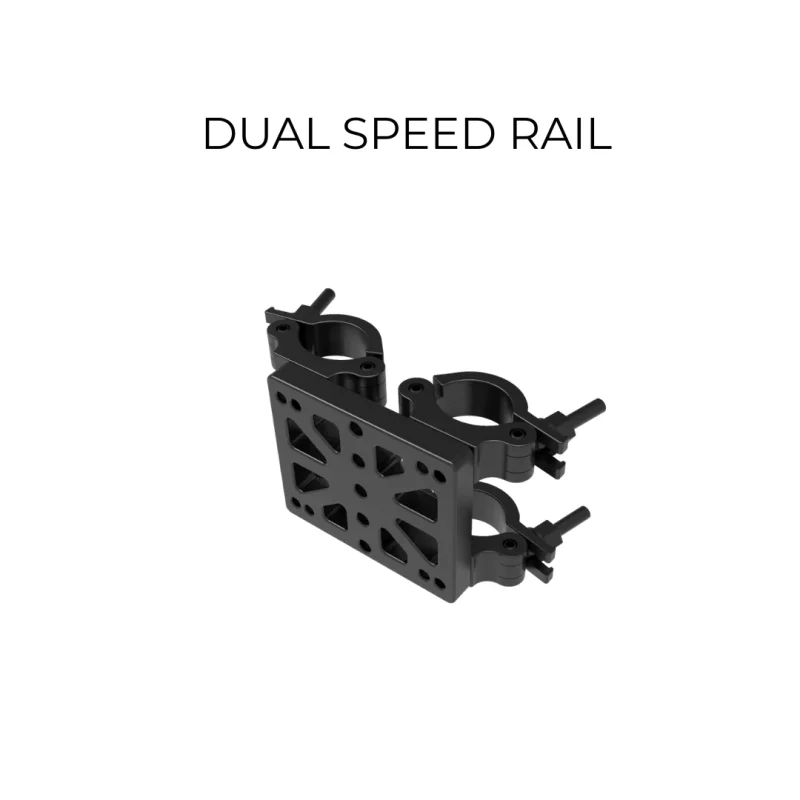
  • Dual Speed Rail
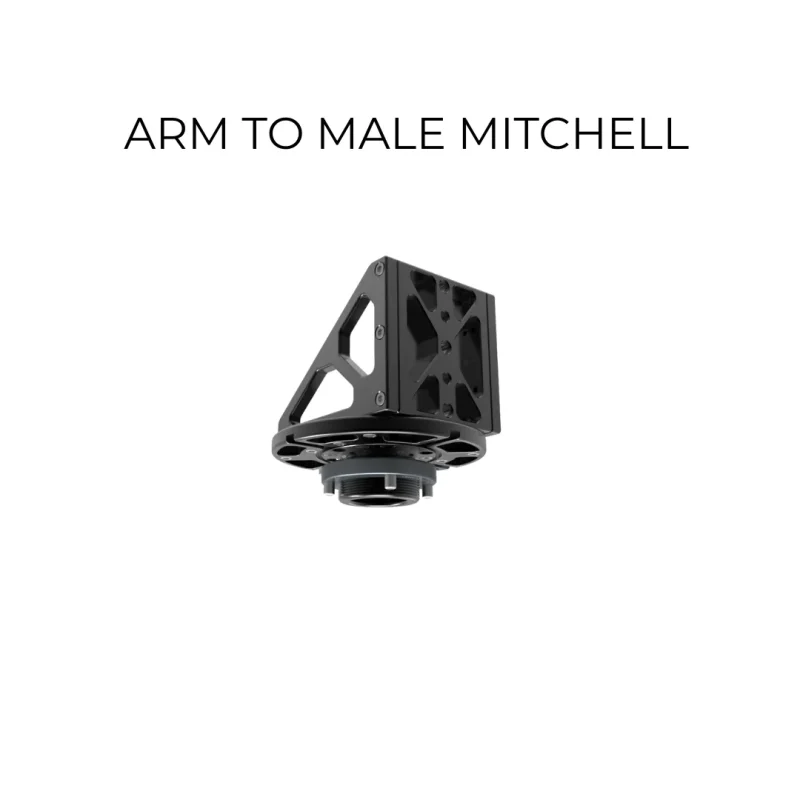
  • Arm to Male Mitchell
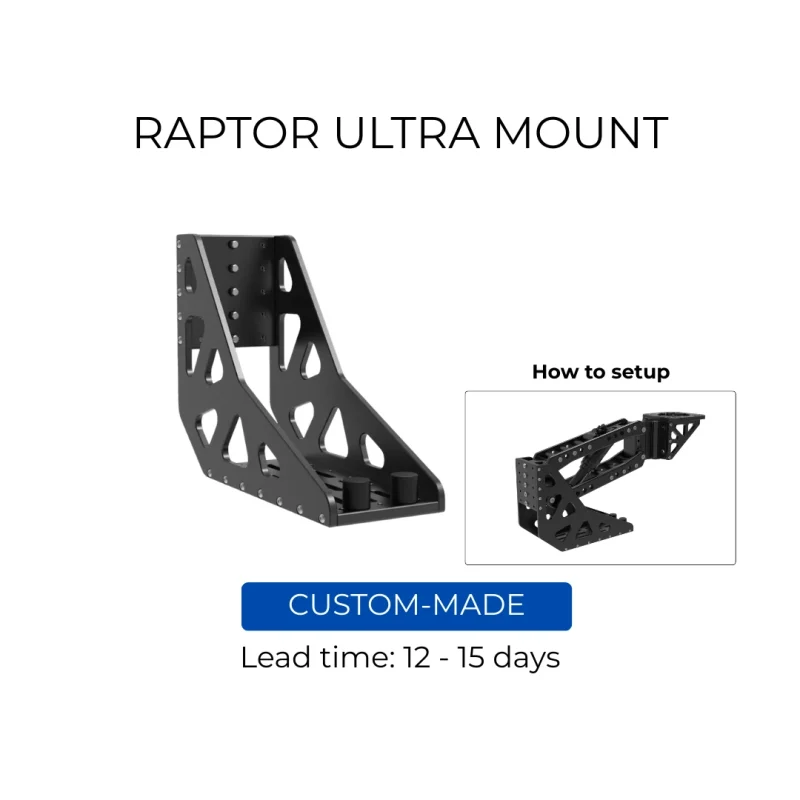
  • Ultra Mount
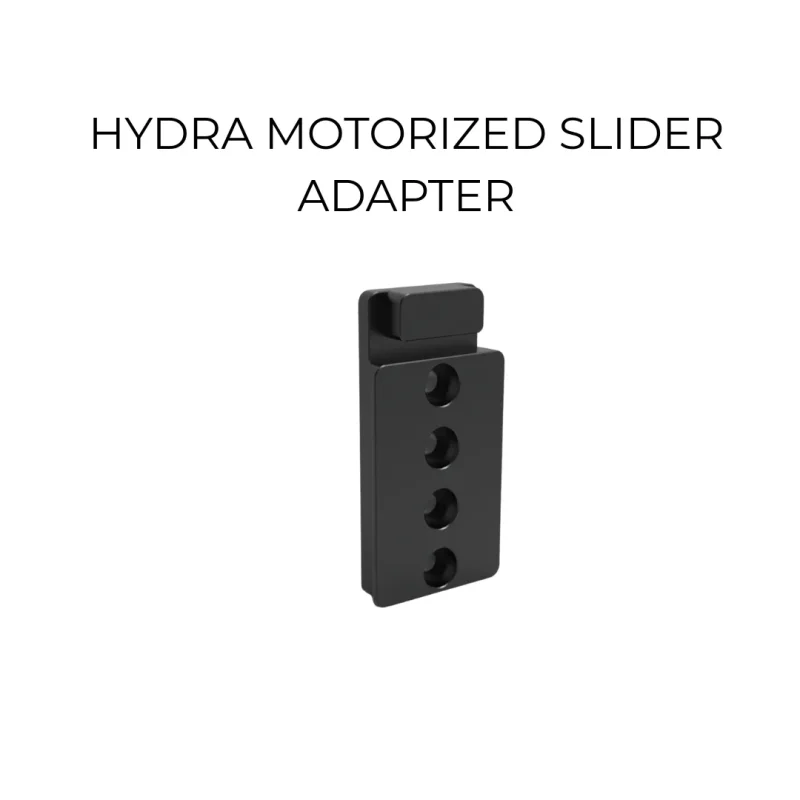
  • Hydra Slider Adapter

2. Front Mount Options

  • Arm to Female Mitchell (default)
  • Arm to Dual Mitchell – allows quick switching between overslung and underslung setups

3. Additional Accessories

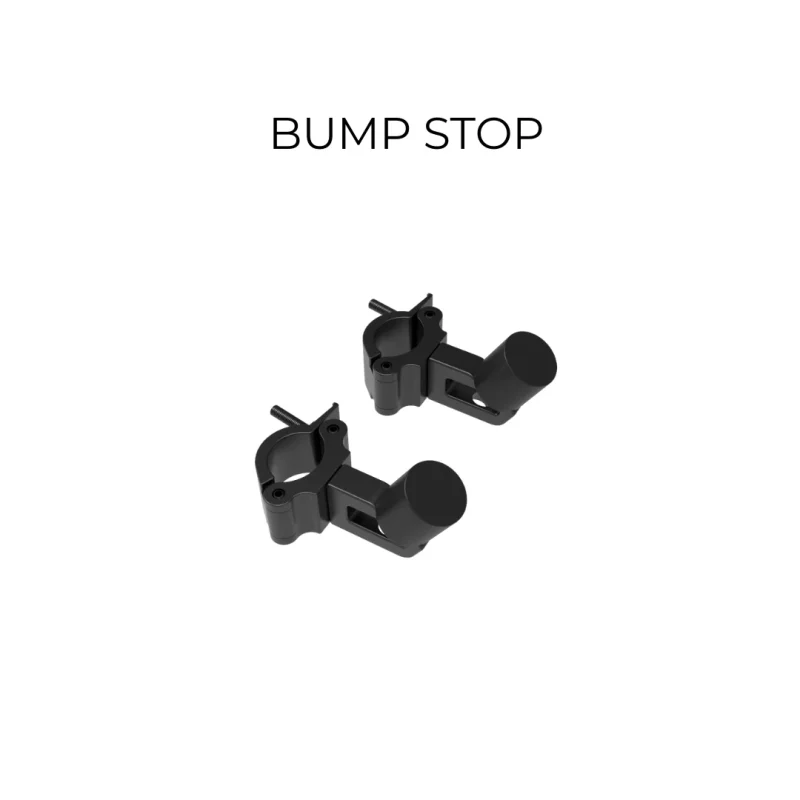
  • Bump Stop: protects the arm and keeps movement within a safe range
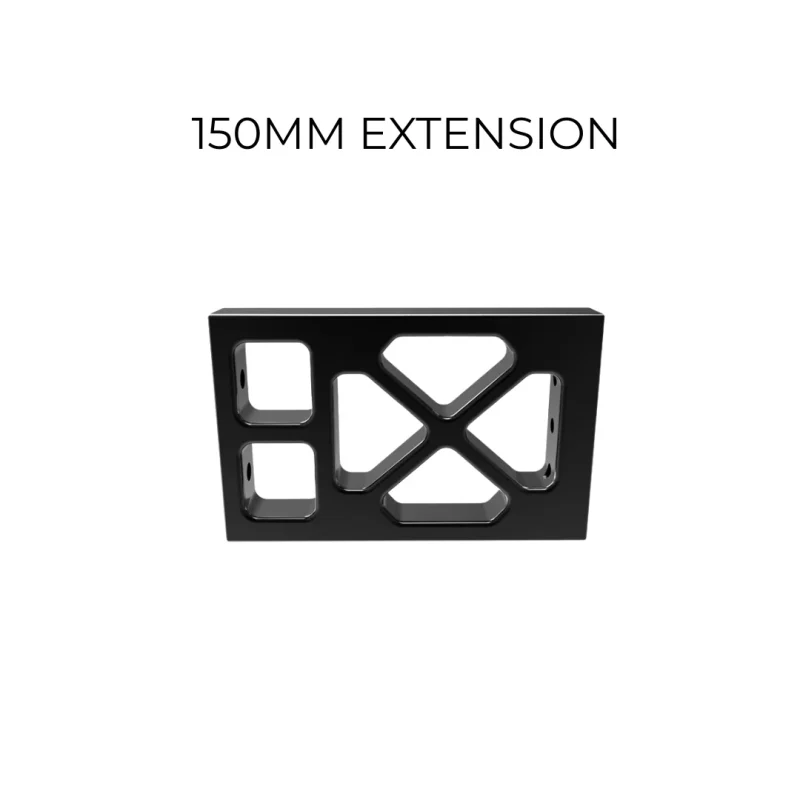
  • 150mm Extensionincreases lift range
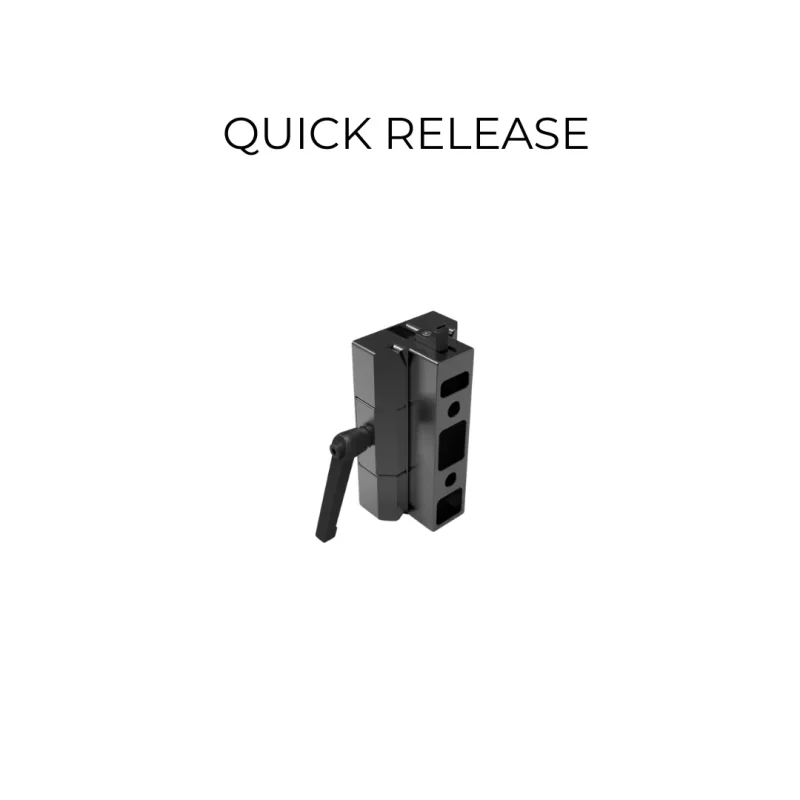
  • Quick Releaseenables rapid setup and breakdown

4. Vibration Control Solutions

The Raptor Air arm is commonly paired with:

learn more
learn more
learn more

5 – From Raptor Air to Twin Z

Raptor Twin Z comes with

  • 2x Raptor Air
  • 1x Twin Z Adapter & Case
  • 1x Raptor ISO5 & Case

You can review the included items and add any additional components if needed to complete your preferred setup.

6 – How to switch between underslung and overslung setups?

This depends on the front mount adapter you use.

  • Arm to Female Mitchell: You need to remove the adapter, flip it, and reinstall it.
  • Arm to Dual Mitchell: Simply move your camera payload between Mitchell mounts, making the switch much faster.

F – Everything related to Raptor Z Arm

1. Tutorials

Please see these videos:

Raptor Z Pro Installation and Adjustment

Configure Raptor Z arm and Z Head

Change Single Spring to Dual Springs

Install Extension for Raptor Z arm

2- Specification and Manual

Raptor Z arm only:

  • Weight: 7.3kgs (with Single Springs); 8.3kgs (with Heavy Springs)
  • Lift Range: 56cm
  • Payload: 8 – 20kgs (with Single Springs); 20 – 30kgs (with Heavy Springs)

Raptor Z – ISO3 Arm

  • Weight: 11.3kgs (with Heavy Springs)
  • Lift Range: 56cm
  • Payload: 8 – 20kgs (with Single Springs); 20 – 30kgs (with Heavy Springs)

Download Manual HERE

Raptor Z – XY2 Arm

  • Weight: 14.6kgs (with Heavy Springs)
  • Lift Range: 56cm
  • Payload: 8 – 20kgs (with Single Springs); 20 – 30kgs (with Heavy Springs)

Download Manual HERE

Raptor Z Pro

  • Weight: 13kgs (use with Single Springs only)
  • Lift Range: 73cm
  • Payload: 8 – 20kgs

Download Manual HERE

3 – How much payload can Raptor Z arm handle?

It is based on springs you use:

  • Single Spring supports 8 – 20kgs payload
  • Heavy Springs or Dual Springs (old version) supports 20 – 30kgs payload

4 – How about the Raptor Z Pro?
Raptor Z Pro was out of stock and stopped production.

5 – How to switch Raptor Z Pro from underslung to overslung?
As Z Pro Head does not support overslung operators. You will need to remove it and install Arm to Female Mitchell to the Arm (or quick release + the Arm) and then connect camera payload via Mitchell-base.

6 – Can I trade-in the Raptor Z Pro to the latest arm version?
Yes, we support trade in Raptor Z Pro to Raptor Z – ISO5 package. Please email us at contact@customeasy.org